
What Is a Bypass Cable? A World’s First for DIY Key Programming for Chrysler, Dodge, Jeep, & RAM
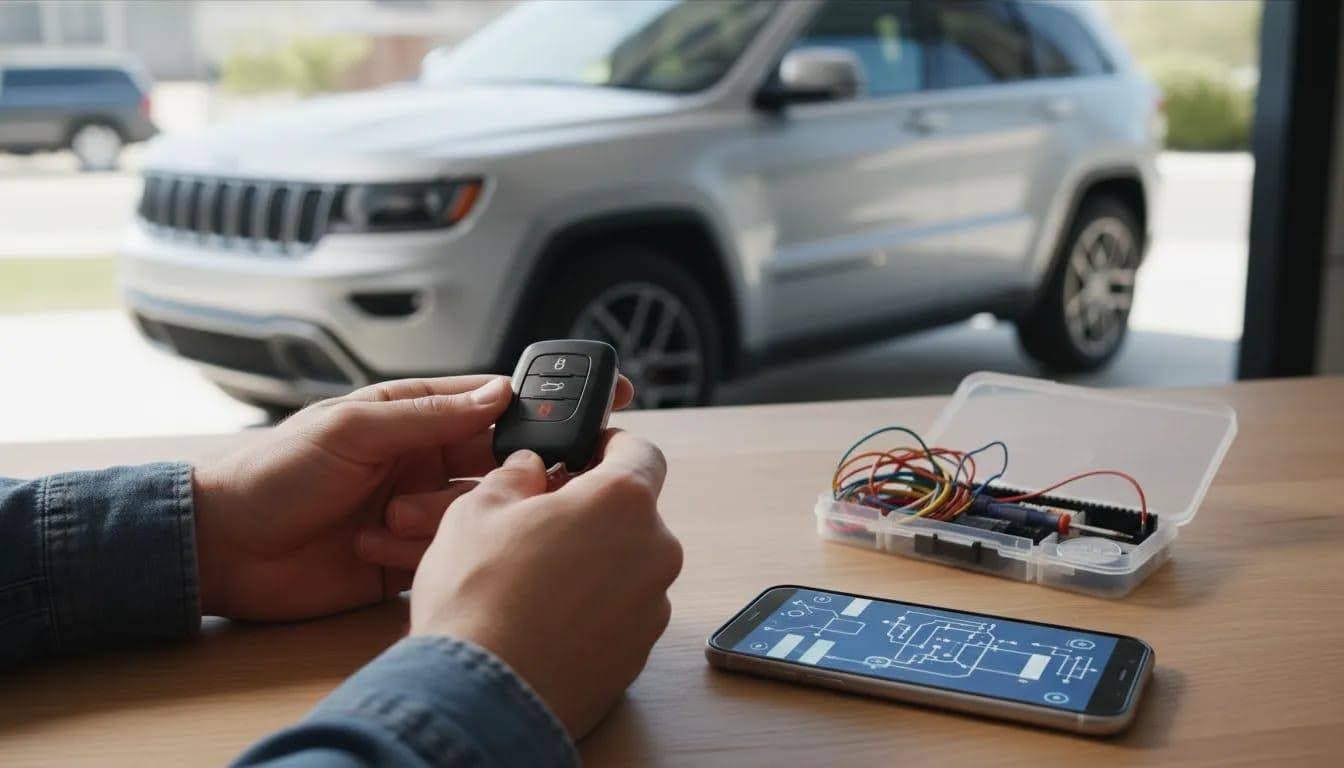
If you have one working smart key and want a second key without a dealership visit, Tom’s Key Company has a world’s first DIY solution for many 2018 and newer Chrysler, Dodge, Jeep, and RAM vehicles.
For many owners, getting a spare key for a newer Chrysler, Dodge, Jeep, or RAM vehicle can cost close to $500 or more through a dealership. With the Tom’s Key bypass cable, supported vehicle owners now have a DIY option that can help save hundreds of dollars.
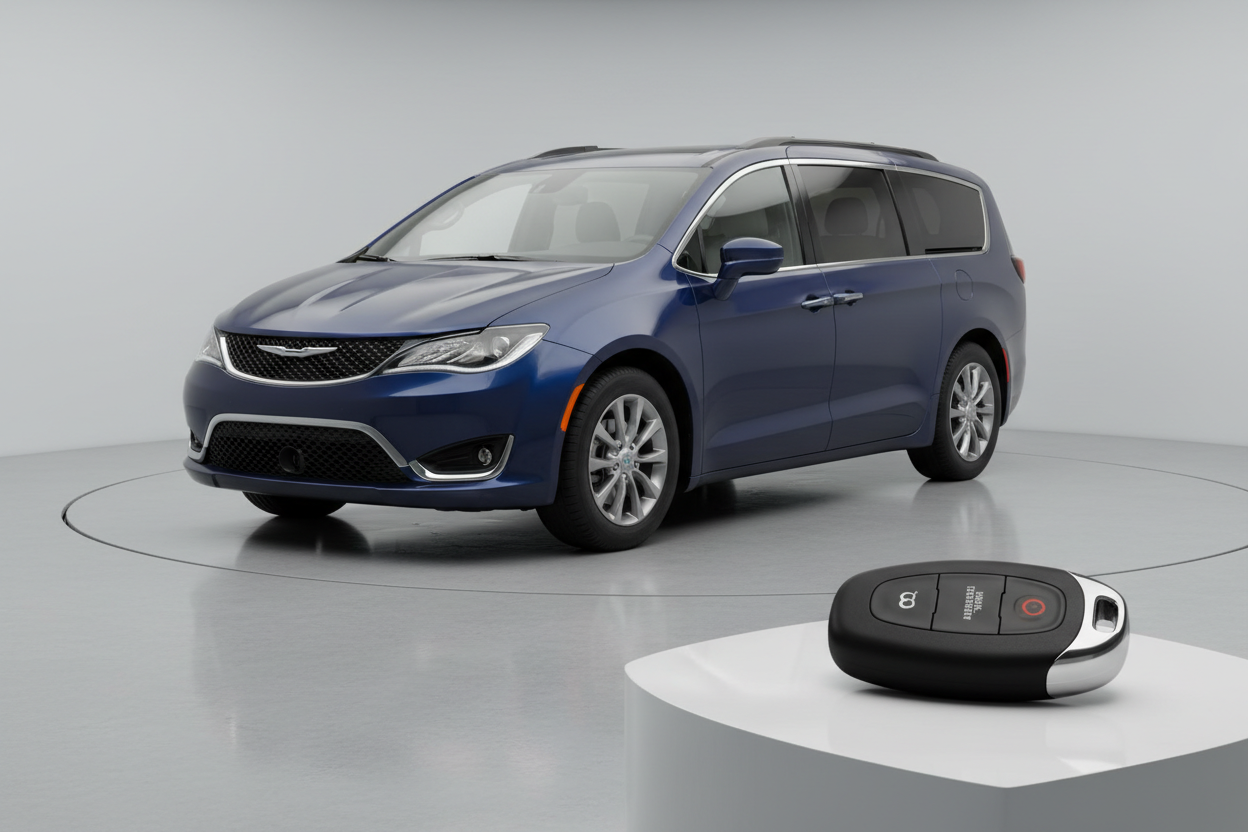
This guide explains what a bypass cable is, what it does, how the programming process works, and the most important mistakes to avoid. It also includes a real-world video example for a 2025 Chrysler Pacifica, where a bypass cable is required.
Who Can Use This DIY Solution?
At-home spare key programming is typically meant for people who:
- Have at least one working key that still starts the engine
- Need a spare smart key or key fob for a supported vehicle
- Want to avoid high dealership programming fees and appointment delays
This is not the same as solving an all-keys-lost situation. If you have no working key at all, please contact our customer service team to see if we have a solution for you.
What Vehicles Does Tom’s Key Bypass Cable Currently Work For?
The process described here applies to many Chrysler, Dodge, Jeep, and RAM vehicles. Our current coverage list includes the following vehicles:
- 2018 RAM 1500
- 2018 RAM 2500–5500
- 2019–2024 RAM Classic
- 2018–2020 Dodge Journey
- 2018–2021 Jeep Grand Cherokee
- 2018–2026 Dodge Durango
- 2019–2026 Chrysler Pacifica
- 2020–2026 Chrysler Voyager
- 2018–2025 Jeep Wrangler
- 2020–2025 Jeep Gladiator
- 2019–2023 Jeep Cherokee
- 2019–2020 Jeep Compass
We aim for this list to continue growing as we and our partners research where this application can be used. Please use the Tom’s Key Finder on our homepage to find the most updated listing for your vehicle.
What Is a Bypass Cable and Why Do These Vehicles Need One?
On newer Chrysler, Dodge, Jeep, and RAM vehicles, the programming tool alone does not provide sufficient access. A bypass cable allows for this access.
The bypass cable is needed because key programming access is not only through the OBD port. It can also be found in another area of the vehicle, depending on the model you are programming. In some cases, this second access point may be located in the dash, glove box area, or even near the back seats.
Tom’s Key bypass cable is designed with the proper length and configuration to help provide convenient access, no matter where the secondary access point is located.
How the Programming Process Works
The exact prompts can vary by vehicle and by the Tom’s Key app, but the overall process usually follows the same basic pattern.
1. Connect the Programmer to the OBD2 Port
On many vehicles, the OBD2 port is located below the dashboard near the pedals. Once plugged in, the tool powers up and pairs with your phone through Bluetooth.
2. Pair the App With the Programming Tool
The app typically confirms the correct device by serial number, then establishes a Bluetooth connection before you continue.
3. Identify the Vehicle
You may be able to scan the VIN or enter the make, model, and year manually. You may also need to choose the correct key type, such as a smart key for push-button-start vehicles.
4. Install the Bypass Cable
The app will indicate when the bypass cable must be installed before programming begins. Depending on your vehicle, this may be shown with images and/or video instructions.
5. Follow the In-App Programming Prompts
Once the hardware is connected, the app reads the vehicle data and guides you through the key enrollment process. During this stage, the vehicle may need to remain off with the hazard lights turned on, depending on the instructions shown for the supported model.
6. Use the New Key as Instructed
At the right point in the process, the app may tell you to press certain buttons on the new remote in a specific sequence. Keep the remote away from other wireless devices if the instructions warn about interference.
7. Confirm the New Key Works
After programming, test both the original key and the new key. Confirm that:
- The lock and unlock buttons work
- Any sliding door or rear door functions work, if equipped
- The vehicle starts using the new key alone
Video Sample of 2025 Chrysler Pacifica Using Tom’s Key Bypass Cable
To get a visual understanding of the process, watch the video below. You will see the steps in action on a 2025 Chrysler Pacifica using Tom’s Key bypass cable.
How Long Does DIY Spare Key Programming Take With a Bypass Cable?
The actual programming session can take less than 15 minutes. However, setup may take a little longer because the bypass cable may need to access interior trim and wiring. Make sure to set aside about 30 minutes for this project.
How to Avoid Programming Errors
Most key programming issues come from interruptions, weak power, or skipped setup steps. These are the biggest trouble spots to avoid.
Do Not Leave the App Mid-Process
Stay inside the programming app until the procedure is fully complete. Switching apps, taking calls, or getting distracted can interrupt communication.
Make Sure You Have All Keys With You
Have both the working key and the new key ready before you begin. The app may require both during the procedure.
Keep a Strong Internet Connection
A stable cellular or Wi-Fi connection may be needed during programming. A weak signal can cause failures or delays.
Protect the Vehicle Battery
Turn off accessories such as:
- Headlights
- HVAC or air conditioning
- Radio
If the battery is weak, programming may fail or behave unpredictably.
Prevent Wireless Interference
If the instructions tell you to move the phone away from the remote while pressing buttons, follow that exactly. Close-range wireless interference can affect some programming steps.
Handle Bypass Cable Tips Carefully
The contact tips can be delicate. Avoid puncturing wires, bending connectors, or letting the red and black leads touch each other.
What to Do if the App Reports a Failure
A failed message does not always mean the key did not program. In at least one supported example, the app reported a failed step even though the new key was successfully added and worked normally afterward.
If you see an unexpected error:
- Finish safely and disconnect the equipment as instructed
- Test the new key’s lock and unlock buttons
- Confirm the vehicle starts with the new key only inside the vehicle
- Contact support before retrying if anything is unclear
Do not assume success based only on button response. Starting the engine with the newly programmed key by itself is the best functional confirmation.
How to Verify the New Smart Key Was Programmed Correctly
Use this simple verification checklist after programming:
- Original key still works
- New key locks and unlocks doors
- Special door functions respond, if your vehicle has them
- Vehicle does not start with no keys nearby
- Vehicle starts with the original key alone
- Vehicle starts with the new key alone
That last step matters most. It confirms the vehicle recognizes the new key as a valid starting key, not just a remote.
Do You Still Need the Emergency Key Blade Cut?
Yes. If your smart key includes a removable mechanical key blade, it should be cut for your vehicle. Even if you rarely use it, that blade can be important when:
- The key fob battery dies
- The vehicle battery is dead
- You need manual door access in an emergency
Some providers offer a Key By Photo cutting service, where you submit photos of an existing key so the new emergency blade can be cut before shipping.
DIY Programming vs. Dealership Key Programming
For many owners, the main reason to consider DIY programming is convenience. A dealership may require:
- An appointment
- Vehicle drop-off
- Separate charges for the fob, key blade, cutting, and programming
In our Chrysler Pacifica pricing example, the total quoted cost included separate line items for the fob, manual key, cutting, and programming, and came to well over $500. The vehicle also needed to be brought in for service. Costs vary by dealer and region, but this pricing structure is common enough that many owners look for an at-home spare key option first.
Common Questions About DIY Key Fob Programming
Can I Program a New Smart Key Myself Using This Bypass Cable?
Yes, for supported vehicles. Order the correct kit and follow the instructions included in your package, on our website, or on our YouTube channel.
Can I Do This if I Lost All My Keys?
Not with the standard spare-key process described here. This method depends on having one working key that already starts the engine.
For all-keys-lost situations, please contact our customer support team.
Will the Buttons Work After Programming?
On supported setups, yes, as long as the buttons correspond to features your vehicle already has. Always test all functions after programming.
Do All Vehicles Listed for This Bypass Cable Use the Same Process?
No. Even within the same brand family, the exact process can differ by vehicle. However, the Tom’s Key app and our online content will guide you through the proper steps.
Is the Programming Tool Usually Purchased or Rented?
Tom’s Key programming tools and bypass cables are rented.
Best Practices for a Smoother At-Home Key Programming Session
- Check vehicle compatibility before ordering anything
- Confirm whether your vehicle needs a bypass cable
- Read all setup instructions before connecting hardware
- Charge your phone before starting
- Park in an area with strong cell or Wi-Fi signal
- Keep accessories off to protect the battery
- Work carefully around trim panels and wiring
- Test the new key immediately after programming
When to Contact Support Instead of Retrying on Your Own
Reach out for help if:
- The app cannot connect to the programmer
- Your VIN or vehicle selection does not match properly
- You are unsure about bypass cable wiring
- The process runs longer than expected
- The app reports failure and the new key does not start the vehicle
- The original working key stops behaving normally
Support can be especially useful on vehicles that require wiring access, since the hardware portion is usually the trickiest part.
Bottom Line
If you have one working key for a supported 2018 or newer Chrysler, Dodge, Jeep, or RAM vehicle, programming a spare smart key at home with Tom’s Key DIY solutions is now possible. No more high costs or dealership inconvenience.